
| Previous Top Next |
| Saving the Projectile |
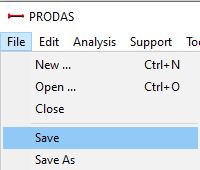
We need to save our new projectile. To save the projectile choose "Save" from the PRODAS "File" menu.
This projectile is the spin stabilized projectile which will be the starting point for this tutorial.
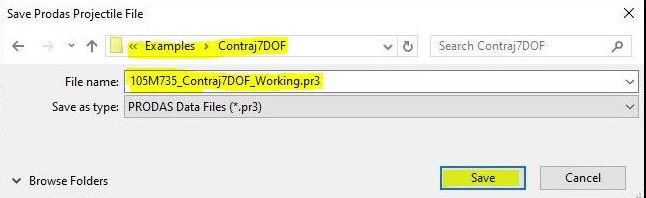
A dialog box will appear for you to choose your file location and projectile name. If you are following along, you can use any filename and location. To make it easy to find your file please choose a location where you have write access. Click "Save" to save the Projectile. In this example I called my file 105M1_Contraj7DOF_Working.pr3.
| © 2025 Arrow Tech Associates |