
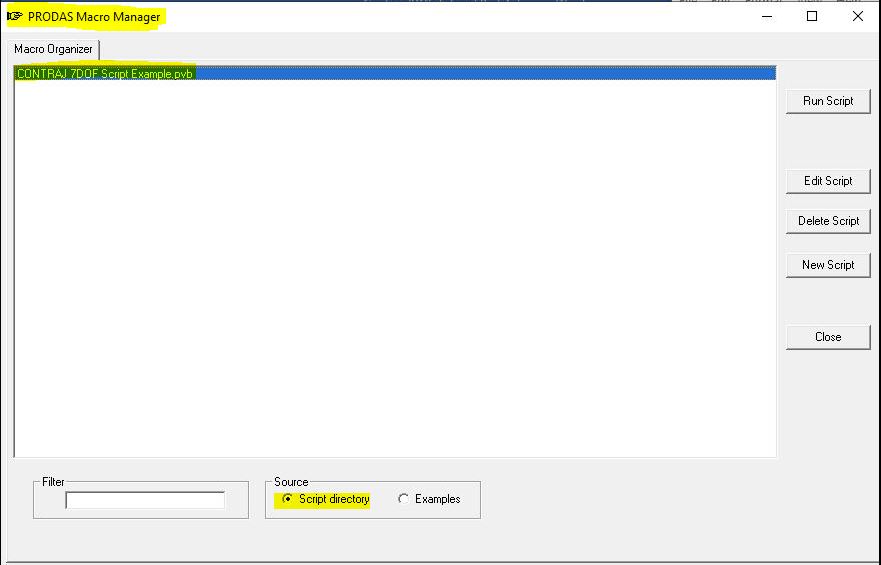
The interface is shown below. Note the following:
- At the bottom, the source is set to "Script directory" which is the area with your personal scripts. To see the example scripts that are shipped with PRODAS toggle to "Examples"
- Your scripts are listed in the big "Macro Organizer" box. You should see the example script in the list since we moved it to the script directory.
- On the right are function buttons. The selected script can be run, edited or deleted. Buttons are also provided to create a new script or to close the script environment.
|
Previous
Top
Next
|