
| Previous Top Next |
| Drop and Drag Despun Section |
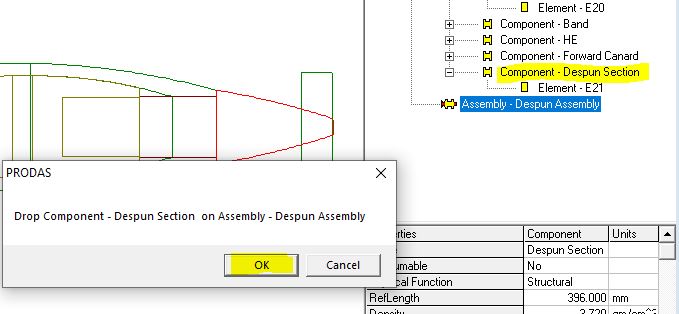
To move the "Despun Section" Component to the new "Despun Assembly", simply click and hold the mouse over the "Despun Section" Component and drag it to the new "Despun Assembly". When you let go of the mouse a message box will appear. Click OK to verify the move.
The screen capture below shows the process at the point when the message box is waiting for the OK from the user.
| © 2025 Arrow Tech Associates |